
Debugging does not start, debug configuration is invalid.
Coming from Visual Studio, Jetbrains Rider is familiar, but also different at some points. For my test project, I wanted to change the output folder where the .exe file is put. So I tried to change the debug configuration. However, rider was not happy about that and told me: „Error: Invalid exe path“.

The problem is, that the debug configuration is just the debug configuration. Before editing the debug configuration, I had to change the output path in the project properties. After that, it worked.
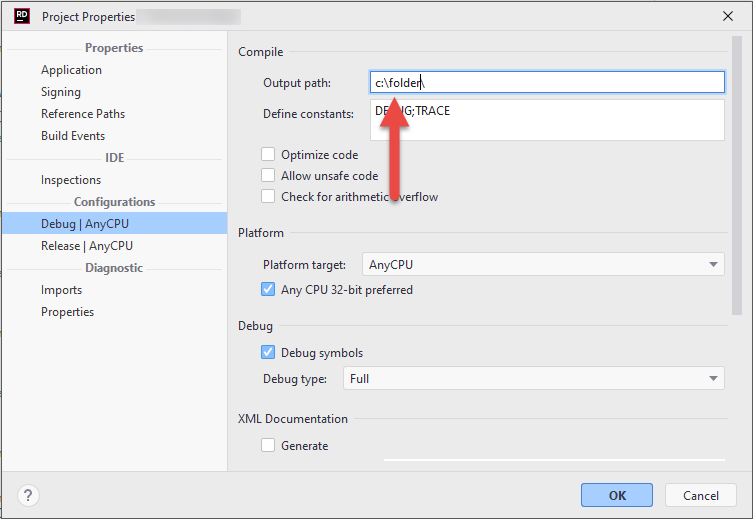
Update: Output path disabled
Later I wanted to change the path again, however the input field was disabled.
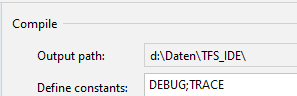
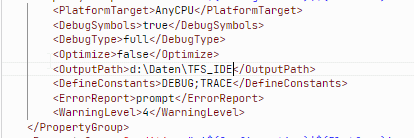
The solution was to change the path in .csproj file.